
Share HITRUST Reports with Speed, Trust, and Confidence
A centralized portal that delivers fast, secure, and trustworthy assessment status and report sharing.
Centralized, Secured, and Trusted Report Sharing
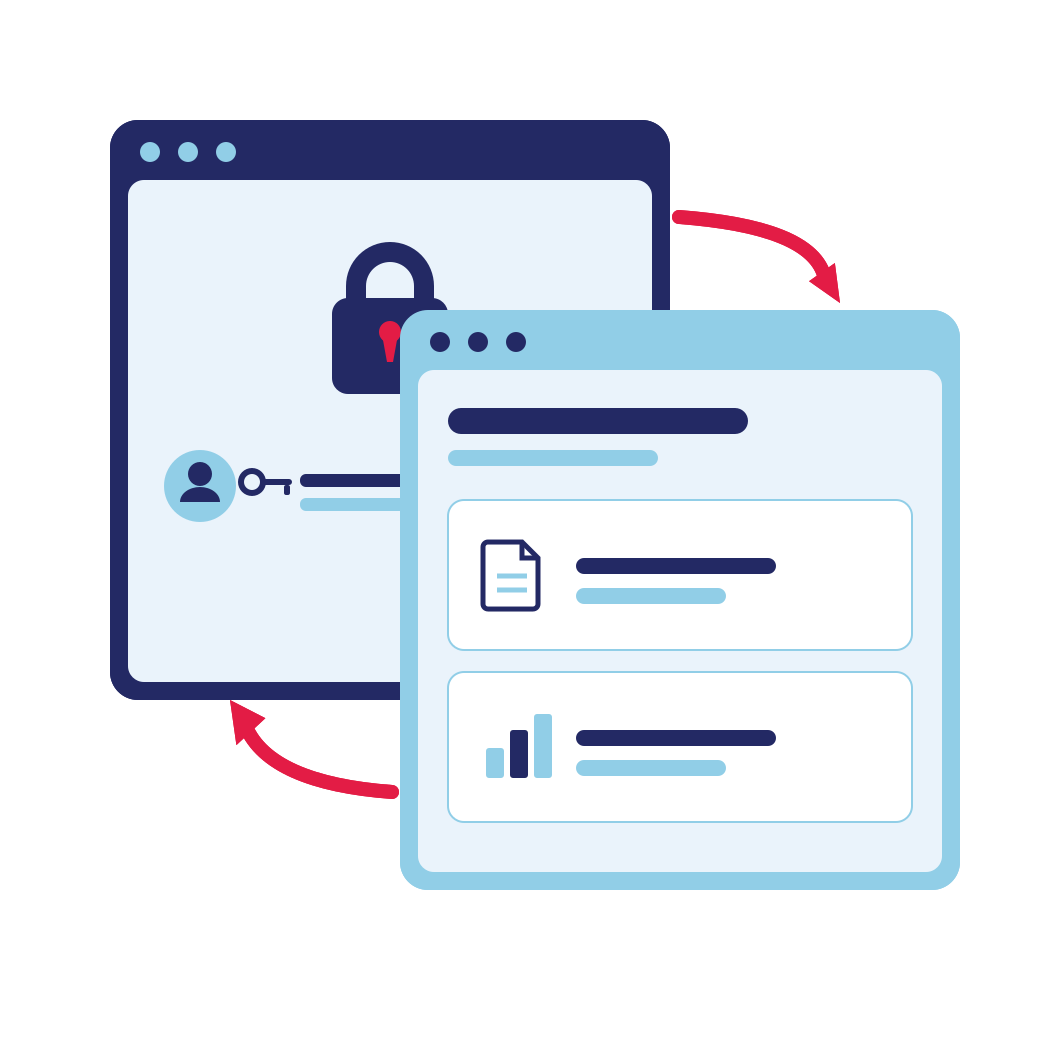
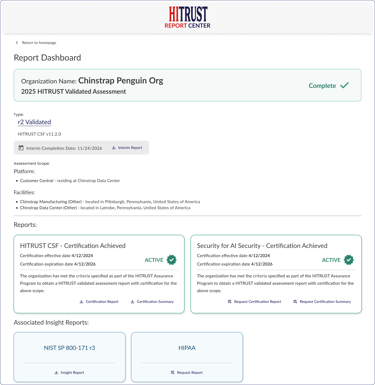
HITRUST Report Center is a secure online location for sharing HITRUST assessment status and authorized reports. It replaces manual distribution methods with a consistent, access-managed approach, so assessed organizations control who has access to reports, and recipients have single, trusted source.
Why it matters:
- Streamlines report sharing
- Improves visibility into who can access assessment results
- Approve, modify, or revoke access at any time
- Improves report traceability and accountability
Who benefits?
- Organizations sharing HITRUST assessment status and results
- Third-party risk management, procurement, and other teams involved in assessing technology and services
- GRC, IT security, and compliance teams managing a growing volume of report requests
From Completion Letter to Controlled Access
Every HITRUST assessment gets its own Report Center dashboard, managed by the assessed organization in MyCSF. Here is how sharing works end to end.
HITRUST issues a Completion Letter in MyCSF with a link and QR code to a unique Report Center dashboard.

From Report Center Admin in MyCSF, invite recipients, approve or deny requests, and choose which reports recipients may access. Access can be modified or revoked at any time.

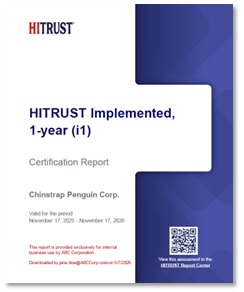
Recipients access Report Center to view status and get approved reports. Every report comes directly from HITRUST and is watermarked giving confidence and trust in report authenticity.
The Benefits of Report Center

On-demand, authorized access to assessment information and reports
Improved governance by centralizing report access and authorization management, and report sharing visibility

Share assessment information without relying on manual methods, like email and file transfers.
Provide report recipients with clear assessment scope details

Strengthen accountability with watermarked reports that identify recipient organization, who downloaded the report, and the download date
Provide trusted, authentic HITRUST assessment information from the source